For owners of a HubSpot knowledge base
Export your knowledge base as a PDF book
Read the video as text
- One address in, one PDF out: paste the public address of the help centre you run.
- We read every public page, like a visitor: robots.txt respected, one page every 1.5 seconds.
- Then the PDF assembles: a cover with your logo, colour and the export date; contents with page numbers, every line a link; your categories in your order, each on a new page; articles with their steps, tables and screenshots.
- Your knowledge base as a PDF book. In development; early PDFs are made by hand. Ask for an early PDF.
When a customer, a tender or an auditor asks you to “provide a complete manual”, send one file: a cover with your logo, contents with page numbers, every article in your category order, screenshots kept.
Independent tool, not affiliated with HubSpot.
A real export, from a help centre we wrote
To show the output without using anyone else’s content, we wrote a small help centre for a fictional company (Quellbrook, temperature sensors) and exported it with the tool: 11 articles in 4 categories, 14 A4 pages. Nothing below was edited by hand.
-
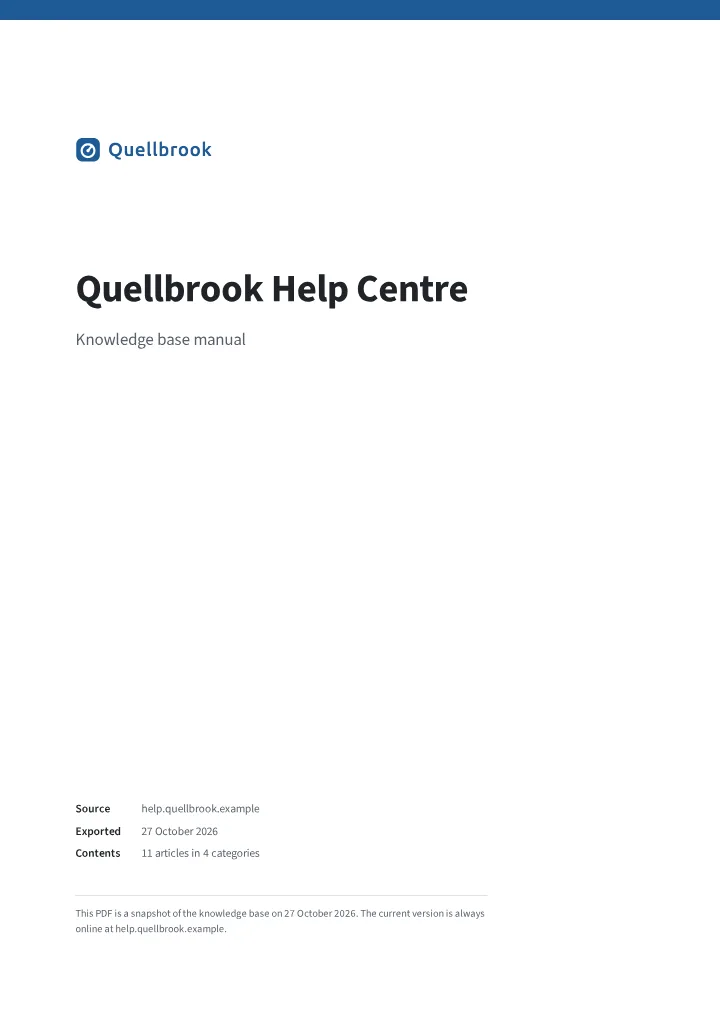 (opens the sample PDF at page 1)
Cover. Your logo and colour, the export date.
-
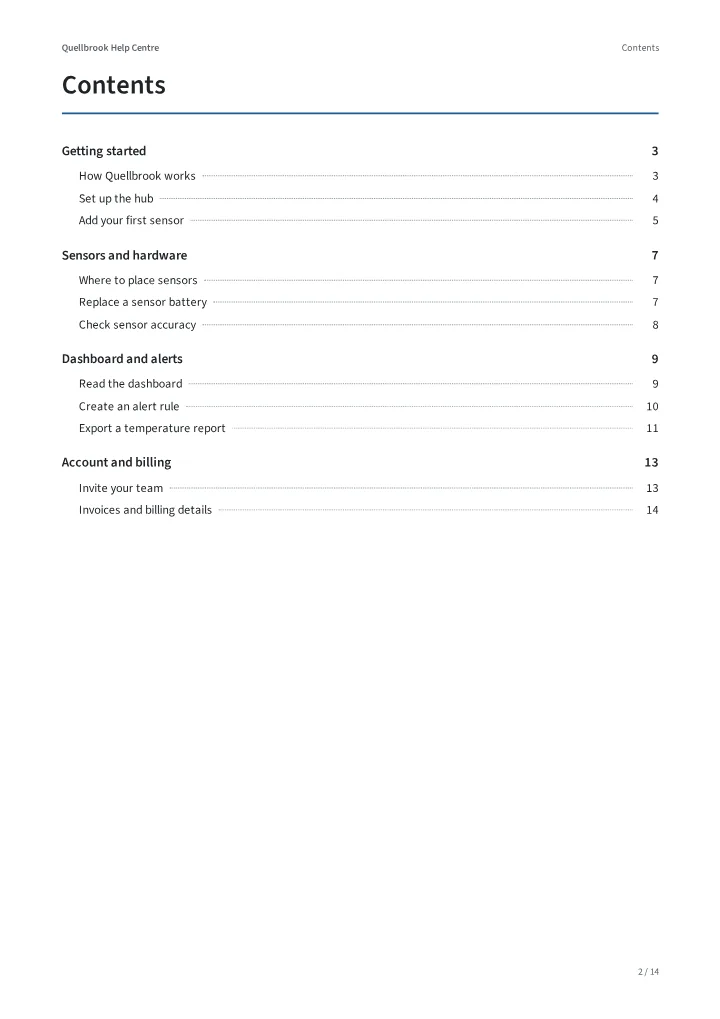 (opens the sample PDF at page 2)
Contents. Page numbers, every line is a link.
-
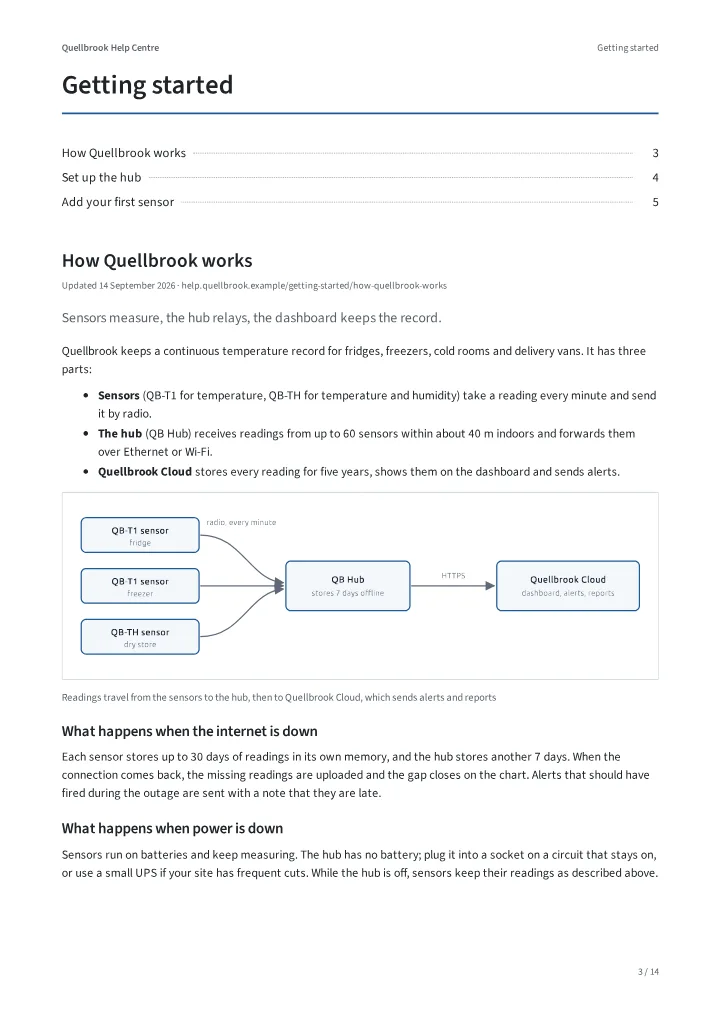 (opens the sample PDF at page 3)
Categories. Each starts on a new page; articles follow without gaps.
-
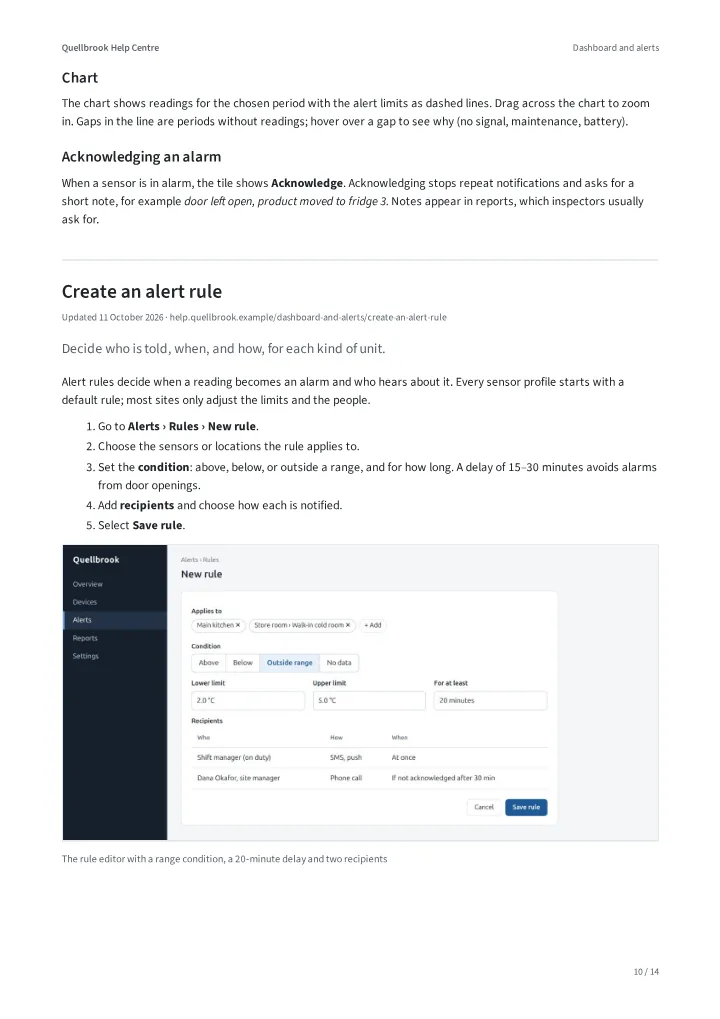 (opens the sample PDF at page 10)
Articles. Steps, tables and screenshots as on the web.
How it works
-
You send the address
The public address of your knowledge base, for example
help.yourcompany.com, and the language you want. -
We read it like a visitor
Only public pages, following your
robots.txt, one page every 1.5 seconds. Navigation, feedback widgets and related-article boxes are left out. -
You get one PDF
By email, with a short list of anything that could not be printed, such as embedded videos (they become links in the PDF).
What the PDF contains
- Cover with your logo, colour, knowledge base name and the export date.
- Contents with page numbers; every entry links to its page. PDF bookmarks for the side panel.
- Your categories in your order, each starting on a new page.
- Screenshots, tables, notes and code blocks kept.
- Links between your articles point to the right page inside the PDF.
- Category name in the page header, page numbers in the footer.
- A4 or US Letter.
Not included, for now
- Articles visible only to logged-in users. If yours are, say so in the form; that needs HubSpot’s API.
- Videos and interactive widgets (they become links).
- More than one language in the same PDF.
What would it be worth to you?
Question, not a price list Nothing is for sale yet. We are deciding between two ways to charge and would rather ask than guess. Tell us in the form which one you would pay, if either.
One PDF, made once
€39 per export
For a tender, a contract annex or a yearly hard copy.
A PDF that stays current
€19 per month
Would you want it re-exported whenever your articles change, at the same download link? Not built yet.
Ask for an early PDF
We will email you when your PDF is ready or if we have a question. No newsletter.
Questions
Can I export any knowledge base?
Only one you own or manage. We send the PDF only to an address at the knowledge base’s own domain. If yours is different (an agency, a parent company), we will ask how you are connected to it before sending. We do not make PDFs of other companies’ content.
What do you store, and for how long?
Your knowledge base address, your email and your answers to the questions above, used only to contact you about this tool. We delete our copy of the PDF and all working files within 30 days of sending it, or at once on request. Details are in the privacy notice.
How long does it take?
While we make PDFs by hand, a few working days, because we check every PDF before sending it. The export itself takes minutes: we read one page every 1.5 seconds, so 100 articles take roughly five minutes.
Does it work if my knowledge base needs a login?
Not yet. We read public pages only. If your articles are private, tell us in the form; private knowledge bases need HubSpot’s API, which we have not built on.
My knowledge base has several languages.
Each PDF has one language. Tell us which one you need, or ask for one PDF per language.
Is this a HubSpot product?
No. Helpbinder is an independent tool, not affiliated with, endorsed or sponsored by HubSpot. HubSpot is a trademark of HubSpot, Inc.